 Flipic Lens
Photo Mechanic alternative for Mac: a free culling viewer
Updated 2026-11-14
Photo Mechanic is a mature, paid professional photo browser from Camera Bits. It is built for high-volume ingest, browsing, culling, metadata and upload workflows, and it does far more than Flipic Lens. If you mainly need to open a folder, page through photos, check focus, rate and mark, Flipic Lens is a free, open-source alternative for that narrower job.
What Photo Mechanic is built for
Photo Mechanic is a full workflow tool. Its own tour highlights copying cards and culling while the files are still being ingested, a contact sheet for browsing, keywords and IPTC metadata, batch copy/delete/rename, side-by-side comparison, and export or upload to galleries and services. It also has a Plus version with an image database for cataloging files across drives.
That breadth is the point. If you shoot for clients and need ingest, metadata, captions and delivery in one place, Photo Mechanic is the more complete tool. It is also paid software, with a free trial; check Camera Bits for current licensing.
What Flipic Lens covers
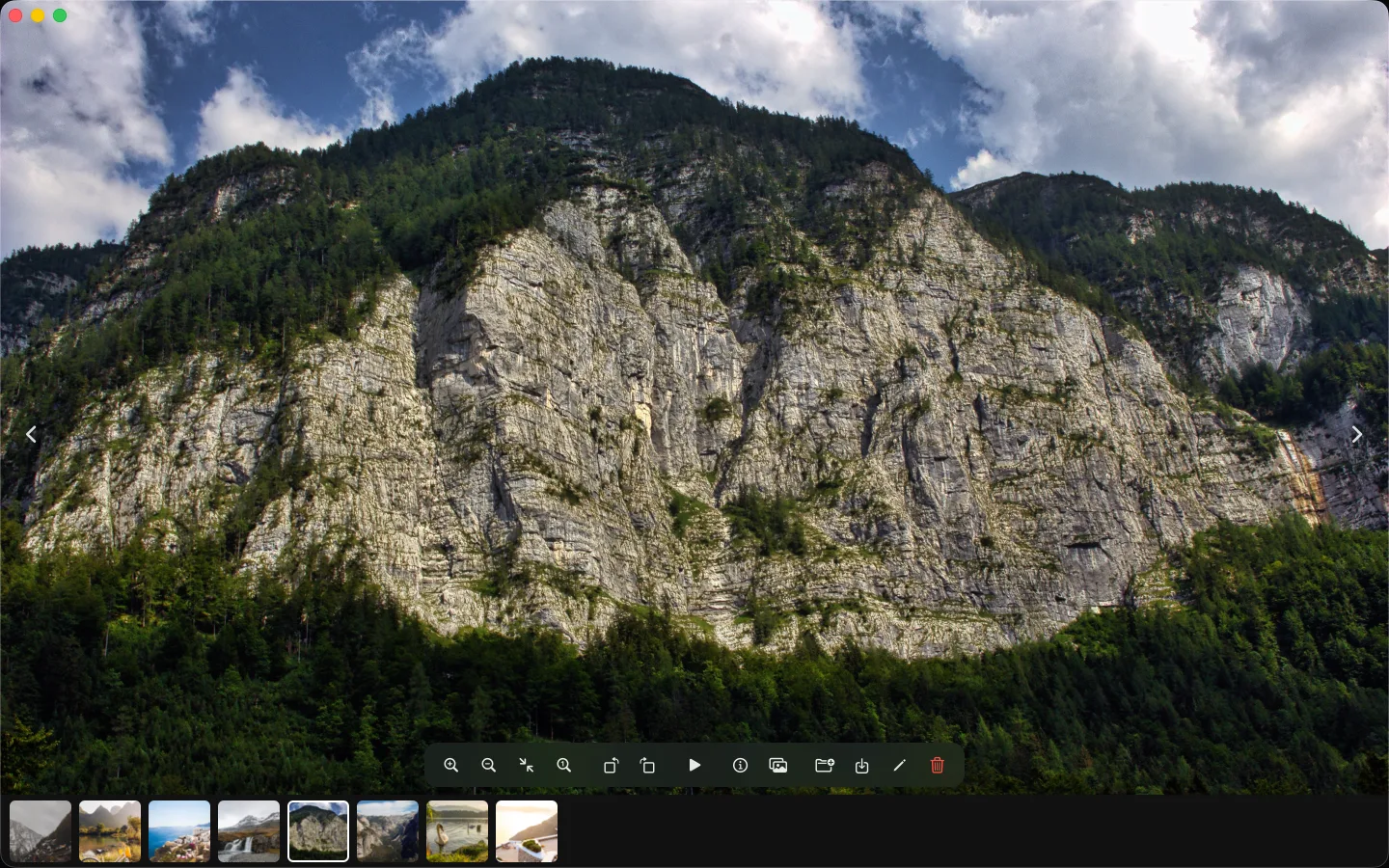
Flipic Lens starts from a folder, not a catalog. Copy the card yourself, double-click any photo, and press ← → to move through the folder. There is no import step and no library to maintain. That is a smaller promise than Photo Mechanic makes, and it is deliberate.
For culling, the useful keys are all there. Press 0 to zoom to 100% at the pointer and check focus. Press 1 to 5 to rate, P to mark keepers. Press C for two photos side by side or ⇧C for four, with zoom and pan synced. Cleanup Mode groups similar bursts, exact duplicates, closed eyes and blurry shots on your Mac before you decide what to delete. Viewing, ratings, marks, side-by-side comparison and Cleanup Mode are free.
Where the two differ
Photo Mechanic is stronger when the job includes ingest automation, detailed metadata, keywording and delivery. Flipic Lens is stronger when you want to open a folder quickly and judge one photo at a time without a catalog. It shows the IPTC headline and caption stored in a file and can translate the caption, but it does not edit metadata. Flipic Lens is also Mac-only, MIT-licensed and a 5 MB download; it needs macOS 13 or later.
Photo Mechanic is not the only heavier option, and Flipic Lens is not trying to replace it. If you already use Photo Mechanic for the parts of the workflow that matter to you, keep it. Use Flipic Lens when you just want to look at the pictures and pick.
Can you use both?
Yes. You can keep a full workflow app for ingest and metadata, then open the folder in a lighter viewer for a quick pass. Flipic Lens does not import, copy or catalog your files, and opening a folder does not move anything. Unless you rotate or crop a photo, the only photo data it writes is the rating you set, as standard XMP; marks are stored as Finder tags. Other apps can read the ratings. If you later decide you need the wider workflow, you can go back without a migration.
For the broader field, see open-source image viewers for Mac. For a culling routine that starts with rejects, see how to cull hundreds of event photos on a Mac. The full comparison is at Mac photo viewers and culling tools compared.
FAQ
Is Flipic Lens a drop-in replacement for Photo Mechanic?
No. Photo Mechanic covers ingest, metadata, keywording and delivery; Flipic Lens is a smaller viewer for paging, focus, ratings, marks and culling. If you need the full workflow, keep Photo Mechanic.
Is Flipic Lens free?
Yes, free and open source (MIT). An optional paid Pro adds batch tools; viewing, ratings, marks, side-by-side comparison and Cleanup Mode are free.
Does Flipic Lens import or catalog photos?
No. It reads the folder you open and does not build a library or copy the files.
Flipic Lens is a free, open-source image viewer for Mac: double-click one photo and page through the whole folder with the arrow keys.
- Free and open source
- About 5 MB download
- macOS 13 or later
- Apple silicon and Intel
- Notarized by Apple
- No account needed
Flipic Lens is a Mac app and can't be installed on a phone. Copy the address and open it in a browser on your Mac.